AudioBloom
A macOS visualizer for DJs, VJs, projection artists, and live music spaces. Capture the room, the system mix, or one running app, then drive Milkdrop visuals to projectors, Syphon hosts, and clean show outputs.
Performance-first rendering
AudioBloom centers the Milkdrop / projectM path: import presets, rate favorites, queue the next visual, auto-advance, and crossfade Deck B blends without relying on unstable native projectM transition workers.
Audio that fits the room
Use a microphone or interface, capture the full system mix, or target one running app through Core Audio process taps. The selector shows source type first, then the matching microphone, output device, or app.
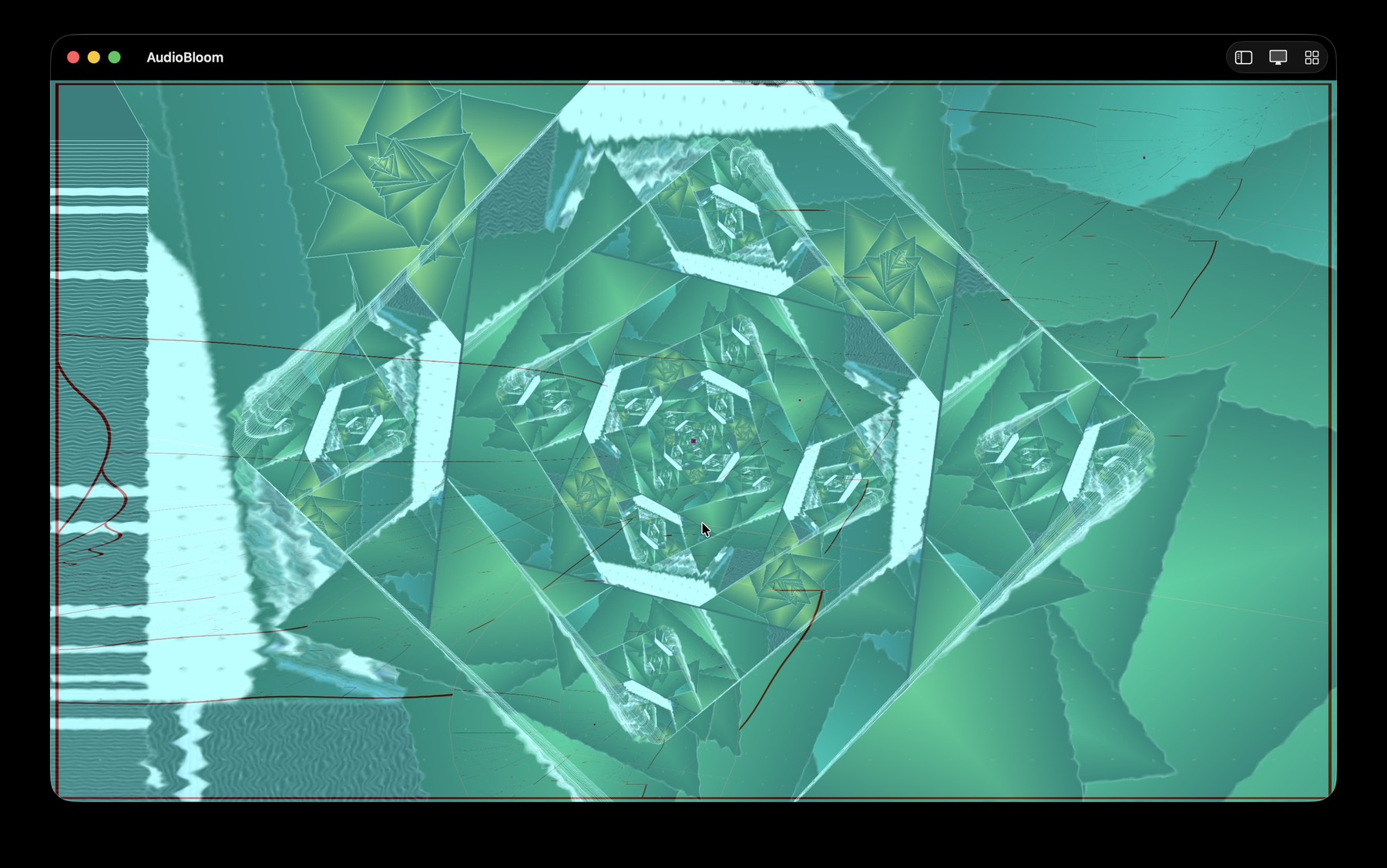
Made for visual sets, not desktop wallpaper.
AudioBloom keeps the performance path practical: load Milkdrop presets, stage a second deck, crossfade into the next look, and send the result to the room through a clean output, projector, or Syphon host.
- Source routing for microphone/interface, system mix, or one app.
- Deck B staging with pre-crossfader gain and blend modes.
- Preset browser, favorites, history, setlists, and auto-advance.
Projector + Syphon
Mirror the composed workspace frame to Clean output, Projector, and Syphon so host apps and external displays stay aligned during transitions, Deck B blends, and camera layers.
Output guidePreset workflow
Search by preset or pack, favorite and rate visuals, revisit recent history, save setlists, and use the assistant for inspectable mood-based drafts.
Renderer guideLocal AI lab
AudioBloomAI includes experimental local audio-semantics controls for scene-aware transitions and preset steering. They are optional, on-device, and still labeled as lab features.
RoadmapCurrent Release
AudioBloom v3.2.0
Promotes the stabilized Milkdrop shell, final source selector, projector/Syphon workflow, Deck B crossfader, media-layer controls, and local experimental audio-semantics features into one public release.
Start Here
Install and route audio Join TestFlight Build a preset workflow Send visuals to a projector or Syphon Get support Read the privacy policy Third-party notices Read the wikiPermission Model
AudioBloom needs Microphone permission for microphone/interface input, System Audio Recording permission for app/system audio capture, and Camera permission only when the optional live camera layer is enabled.